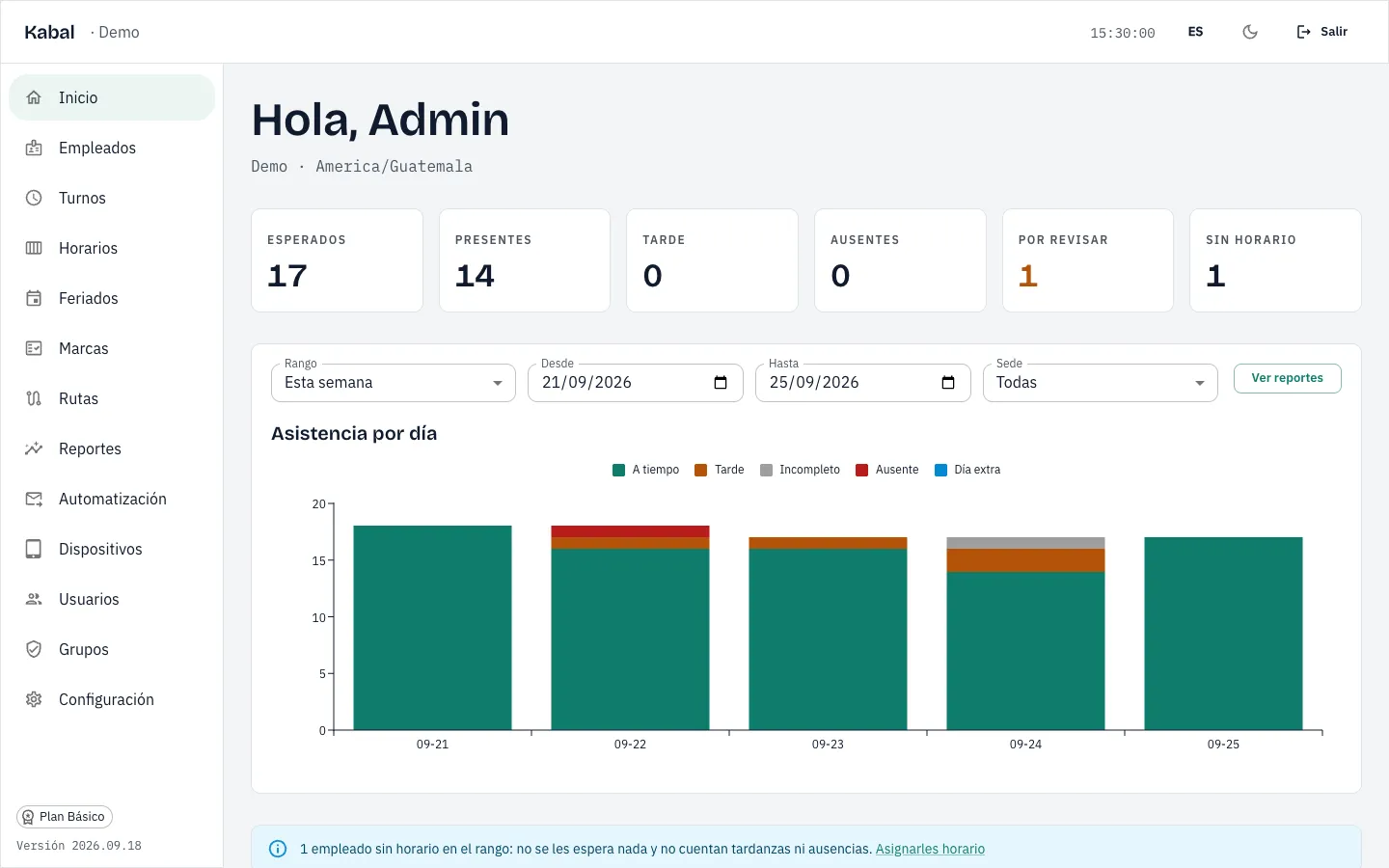
Today, at a glance
Who was expected, who arrived, who arrived late and who is missing, as soon as they clock in.
A regular tablet or your team's phones, and attendance ready on the spot: who arrived, who arrived late and who is missing.
Any clock can record the time. This is what Kabal does differently.
Kabal runs on a regular tablet or on your team's phones. You do not buy a clock, you do not install it and nobody has to go and pull the data out of it: every clock-in reaches the internet on its own.
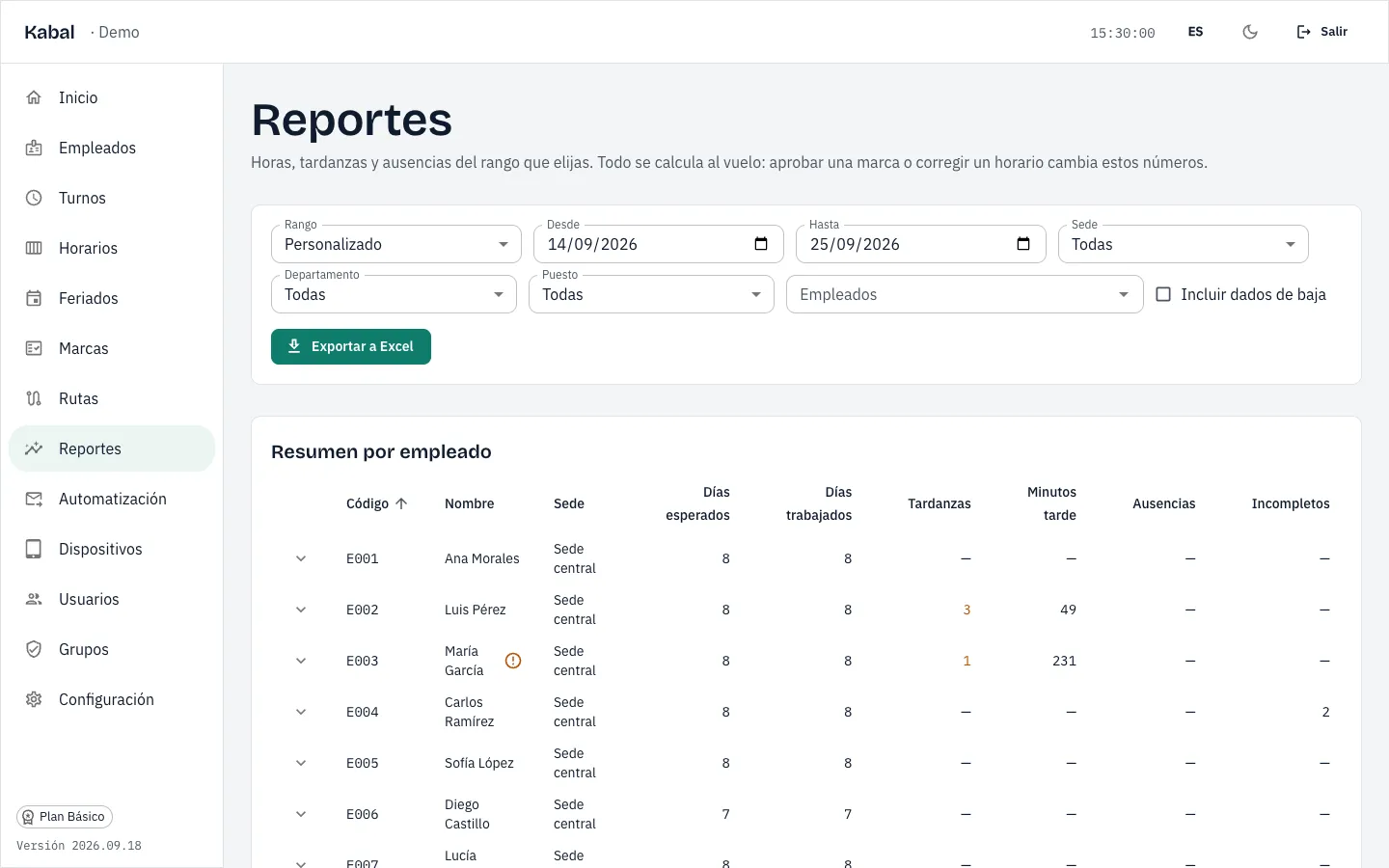
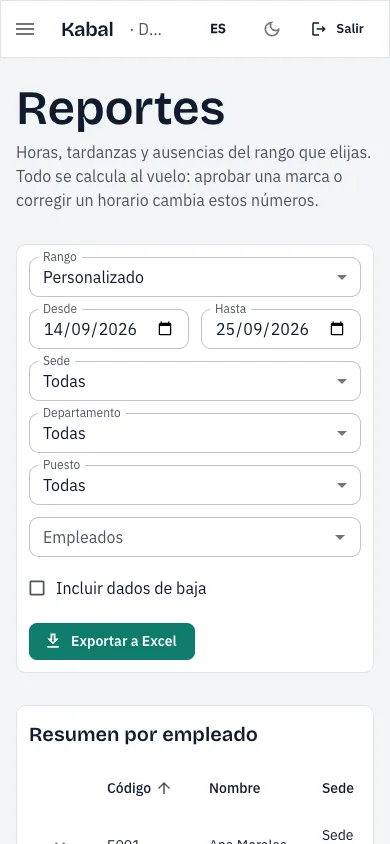
Hours worked, late arrivals and absences already worked out against each person's shift, overnight shifts included. The Excel file comes out in one click, with no matching of clock-ins by hand.
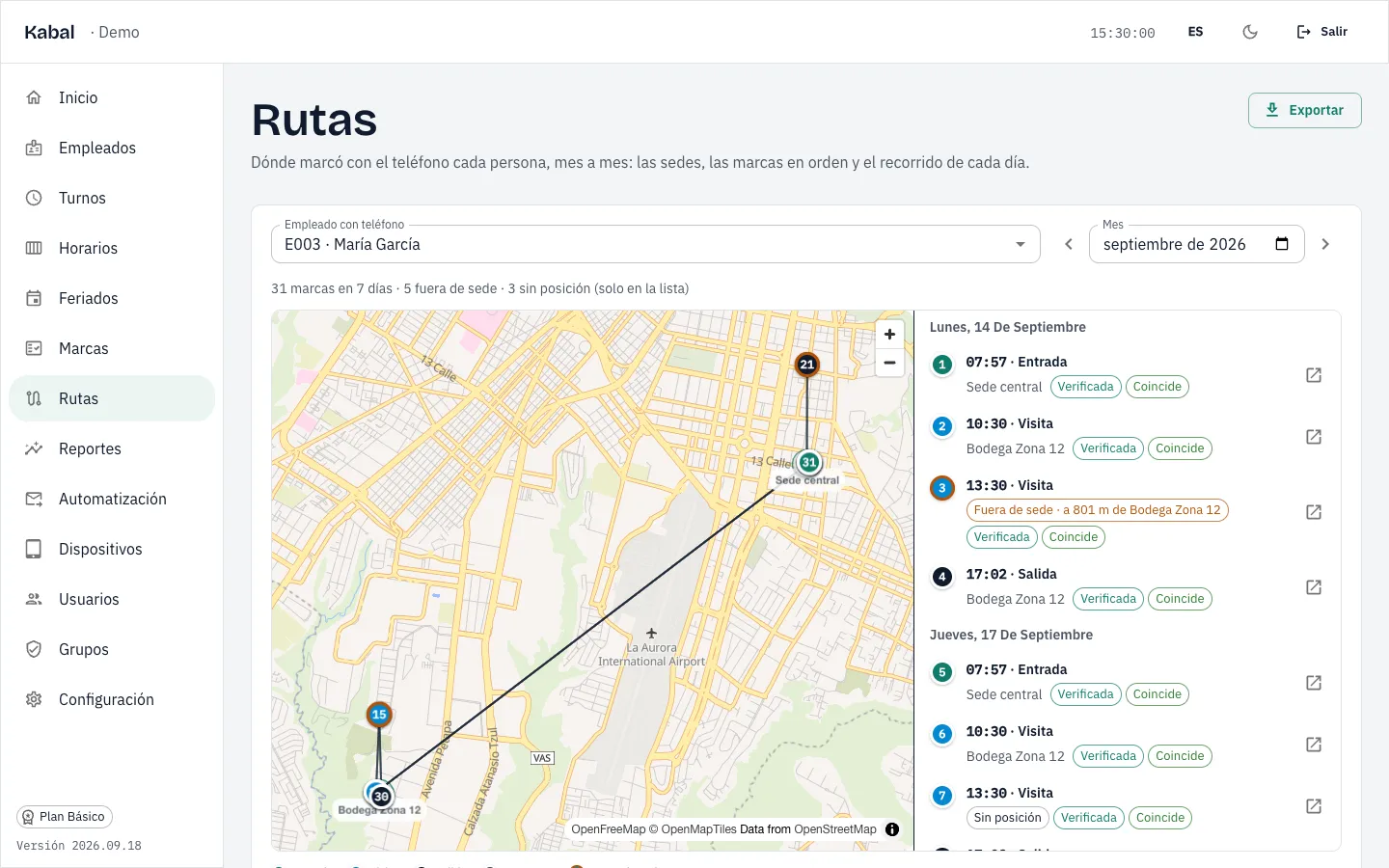
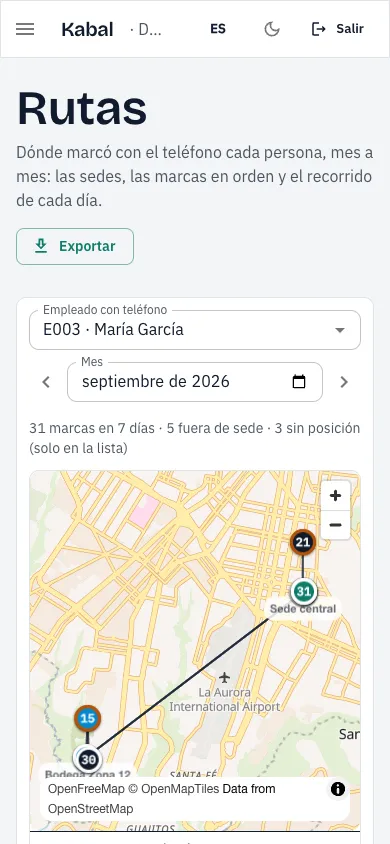
Supervisors and field staff clock in from their phone with a selfie and their location at that moment; a clock fixed to a wall cannot do that. You see their route for the month on a map, and only where each person clocked in is stored: nobody is ever tracked.
Shops, warehouses and offices in the same account, each with its own tablet. Each supervisor can be given access to the people of their site only.
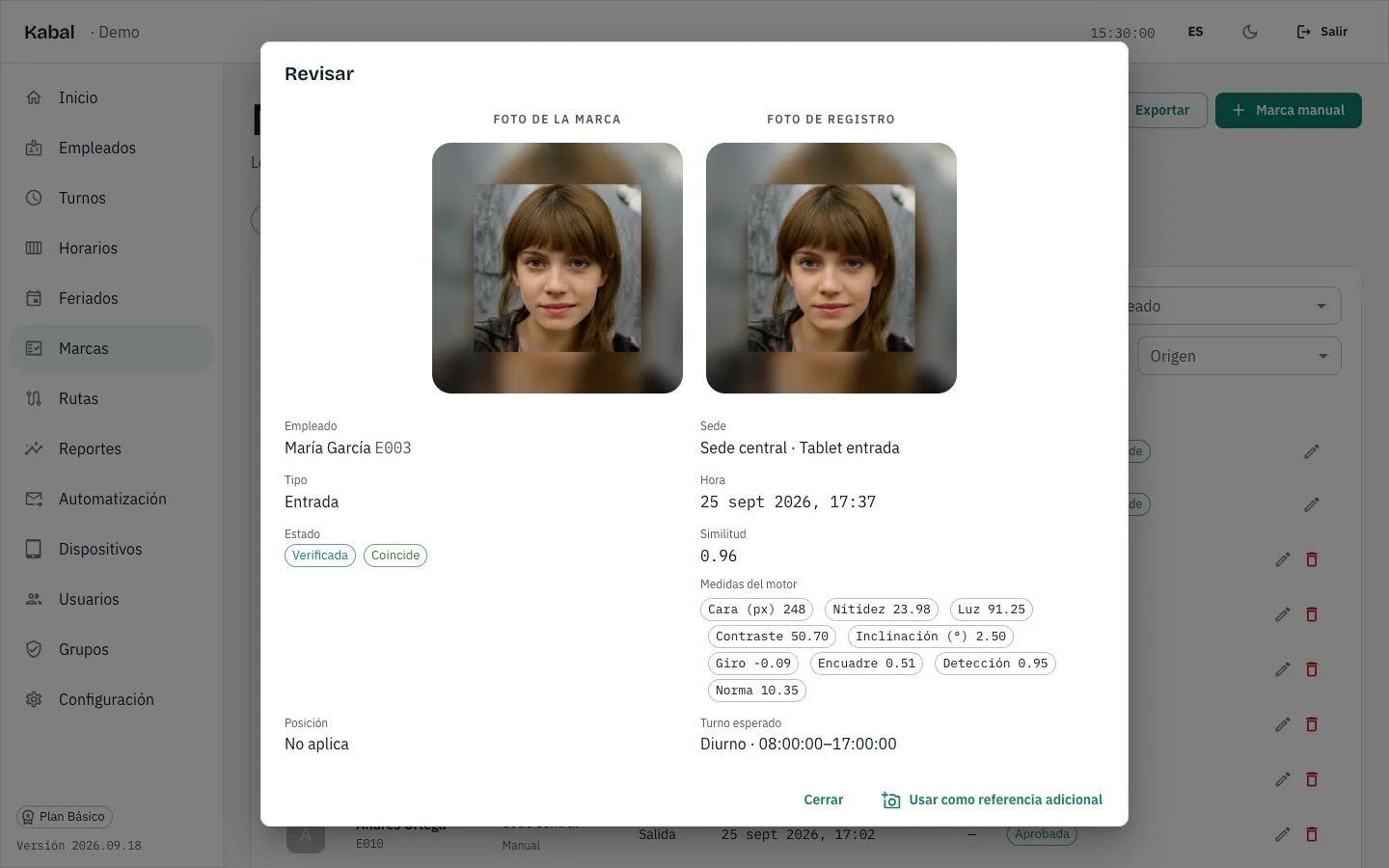
Every clock-in from the tablet or the phone keeps a photo and compares it with the enrollment photo. If they do not match, it waits for HR to review it with both photos side by side.
The tablet is linked with a code and is ready. If it breaks, you link another one in minutes. Your team is loaded from an Excel file.
A biometric clock is paid once; Kabal, every month. This is what each one asks of you.
| What | Biometric clock | Kabal |
|---|---|---|
| Device | One clock per site | A regular tablet per site, or the team member's phone |
| Installation | Fixing it to the wall, with power and a network point | None: the tablet is linked with a code |
| Windows PC | One, for the clock's software | Not needed: Kabal opens in the browser |
| Software and licence | The maker's; with several clocks it may need a licence | Included in the plan, from Q199 per month |
| Technician when it fails | The authorised dealer | You swap the tablet and link it again |
| Who downloads the data | Someone, every fortnight, clock by clock | Nobody: every clock-in arrives on its own |
| Sites in one account | Each clock keeps its own | All of them, with permissions per site |
| On-the-road clock-ins | No: the clock is on the wall | From the phone, with a selfie and location |
| A photo with every clock-in | Usually not | Yes, and HR can review it |
| Report with late arrivals and absences | Built in Excel from what the clock exports | Ready on the spot, and in Excel |
With Kabal you pay Q199 per month and a regular tablet of about Q1,300.
Kabal prices in Guatemalan quetzales, VAT not included. The tablet is a regular 8 to 10 inch Android tablet (about Q1,300 in shops in Guatemala in September 2026); Kabal needs internet at the site. A biometric clock is quoted separately by each dealer; the maker's software is usually free for a few clocks and may need a licence for more.
Hours per month that HR spends consolidating the attendance of each fortnight, by company size.
| Company | Biometric clock and Excel | Kabal | Saved |
|---|---|---|---|
| 10 team members, 1 site | 2.3 h | 0.7 h | 1.7 h |
| 30 team members, 3 sites | 7.0 h | 1.3 h | 5.7 h |
| 100 team members, 10 sites | 23.3 h | 3.7 h | 19.7 h |
Our own estimate, in hours per month. With a biometric clock: 30 minutes per site and fortnight to download the clock and export, plus 4 minutes per team member and fortnight to pair clock-ins, check them against the shift and note late arrivals and absences in Excel (the American Payroll Association measures 5 to 6 minutes per time card calculated by hand). With Kabal: 10 minutes per fortnight to export the report, plus 1 minute per team member to review pending clock-ins. It does not include the initial enrollment of fingerprints or photos, which is similar in both cases. Assumptions reviewed on September 24, 2026.
Real screens from a sample company.
Who was expected, who arrived, who arrived late and who is missing, as soon as they clock in.
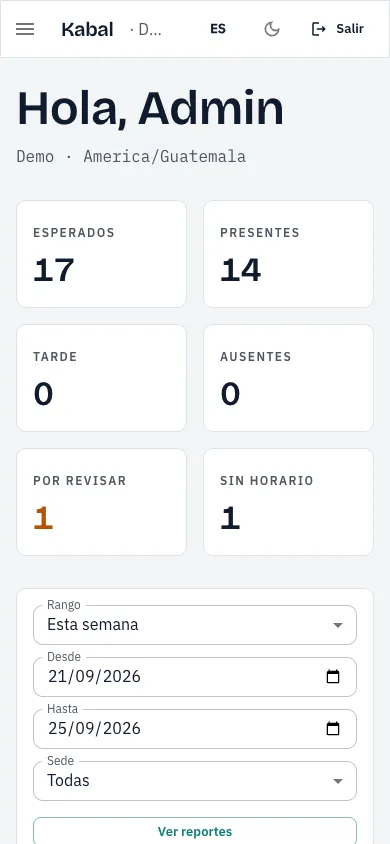
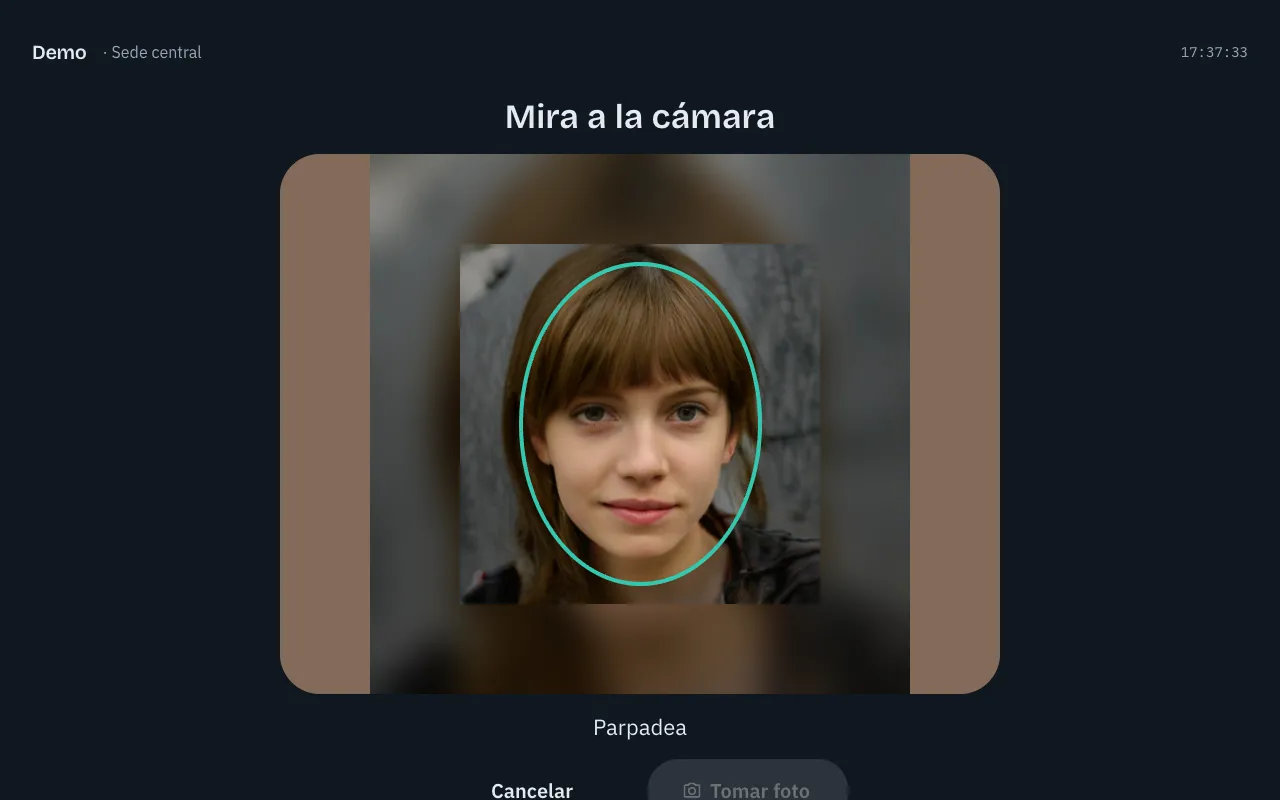
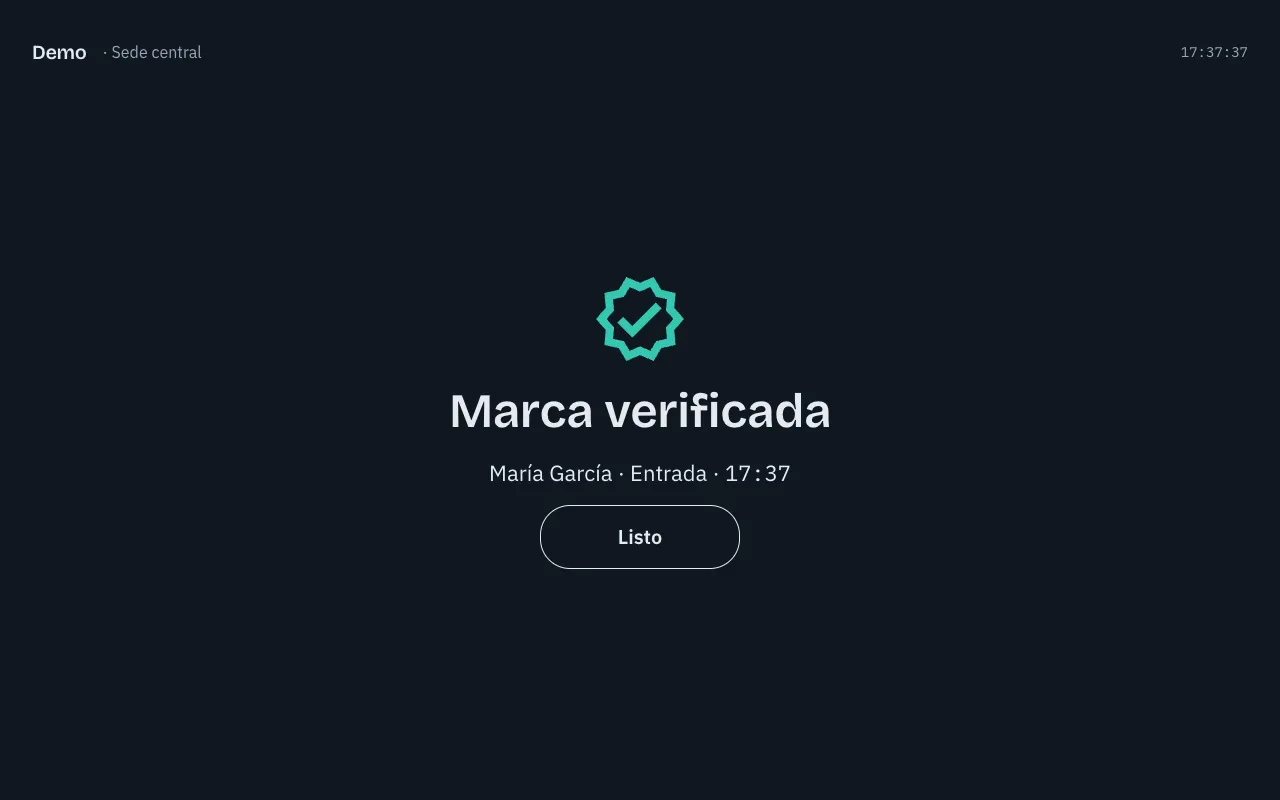
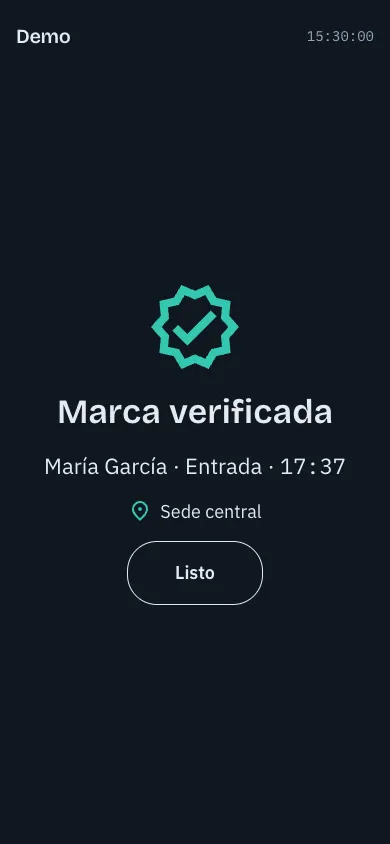
Each person types their code and looks at the camera; the tablet guides them until the photo comes out right.
A selfie and the location at that moment: the clock-in says at which site it was made.
When the recognition is unsure, HR compares the photo of the clock-in with the enrollment photo and decides.
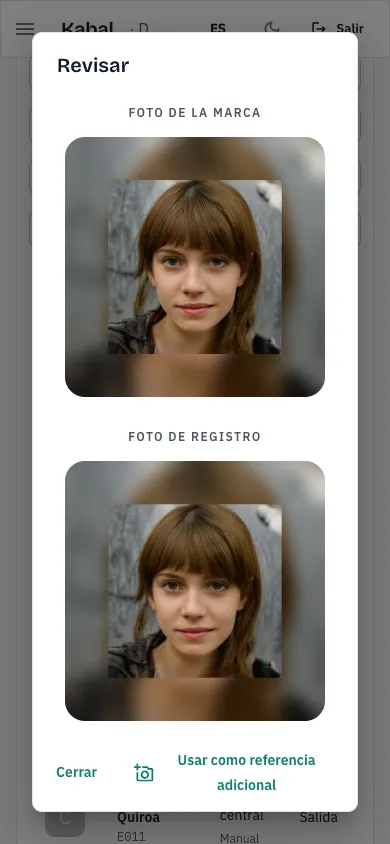
The phone clock-ins numbered and joined day by day, with your sites drawn in.
Hours worked, late arrivals and absences per team member over the range you choose, and the Excel file in one click.
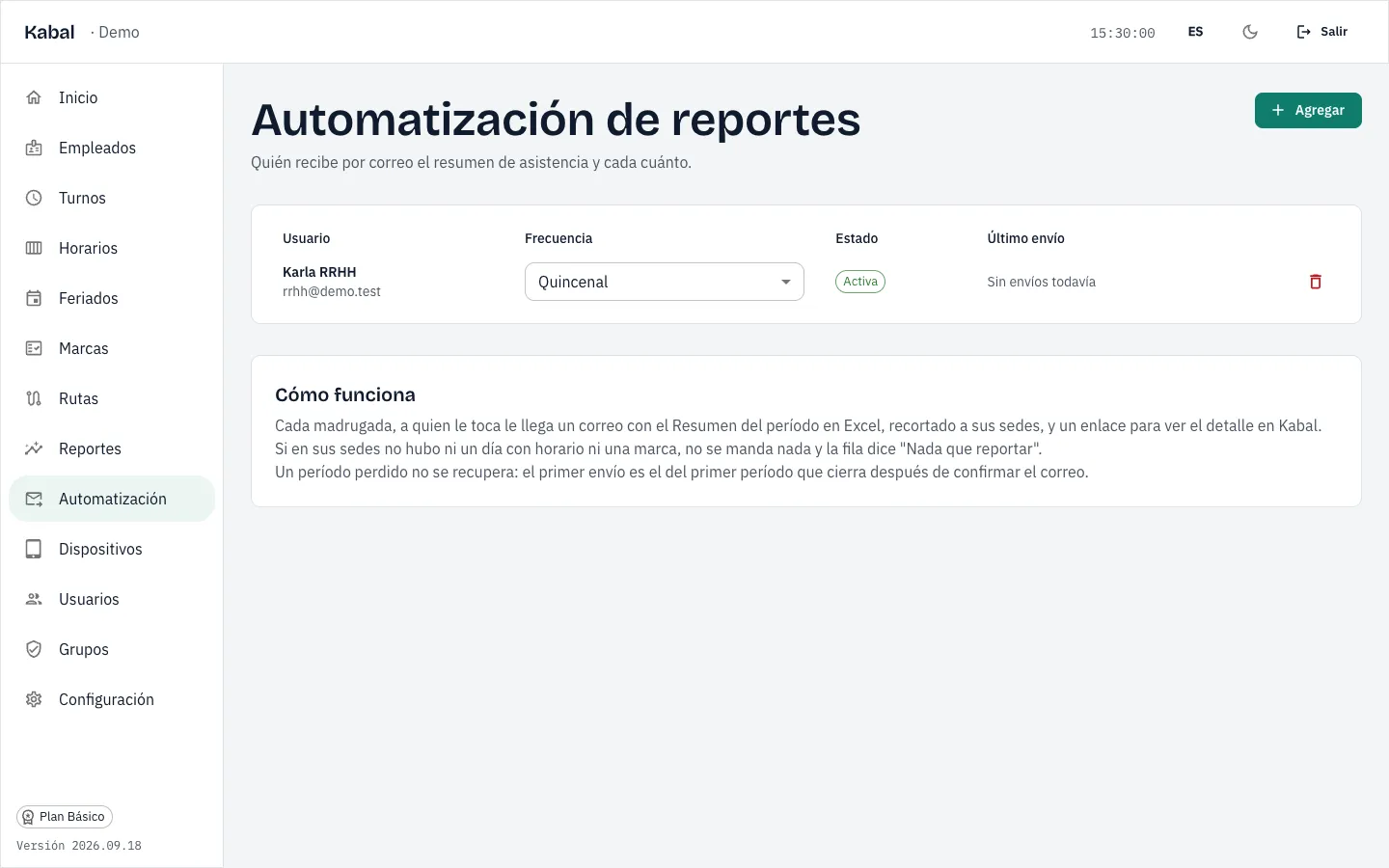
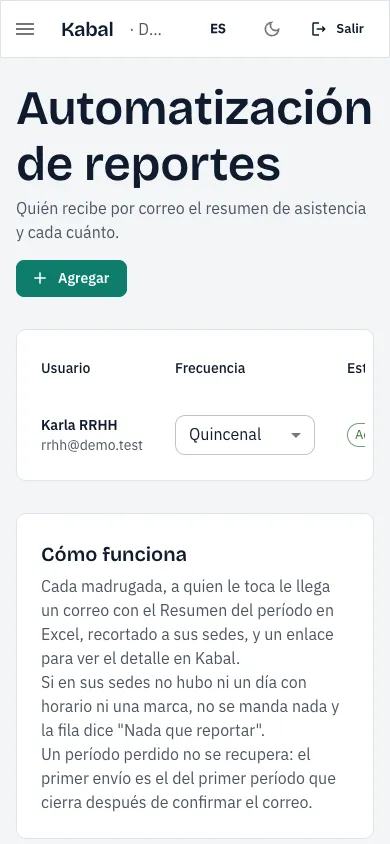
Every week, fortnight or month, Kabal emails the Excel to whoever needs it, with nobody having to go look for it.
One monthly price per company, in Guatemalan quetzales.
For a business with one site
Q199per month
≈ $26
Recommended
For several sites in one account
Q399per month
≈ $53
For a company with many sites
Q799per month
≈ $105
When the plans fall short
Price on request
14 days free, no card · Create an account
Rough equivalent in US dollars at the reference exchange rate of September 23, 2026.
Write to us and we will show you Kabal with a tablet and a phone, with your sites and your shifts in mind.